Showing posts with label I-phone 3GS. Show all posts

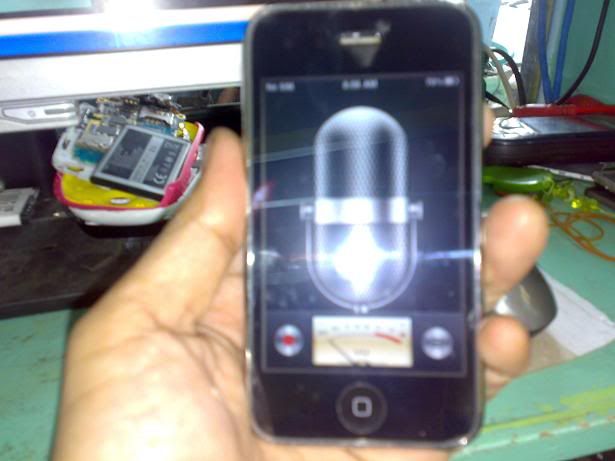
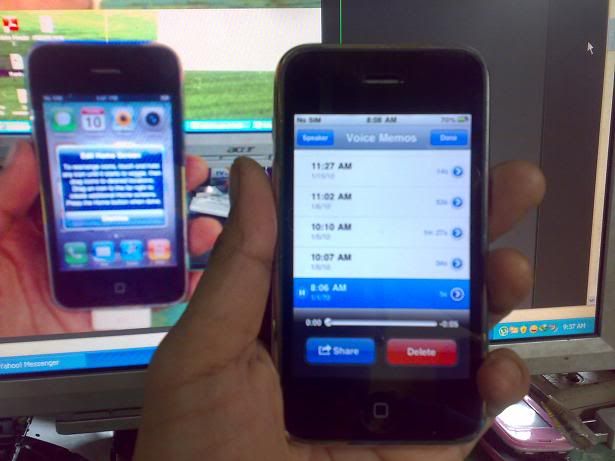
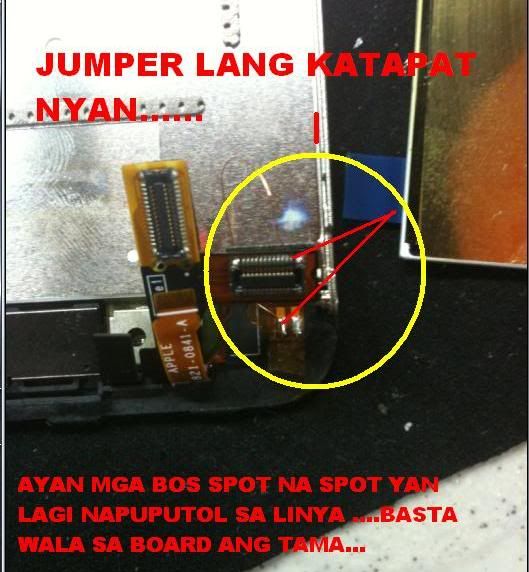
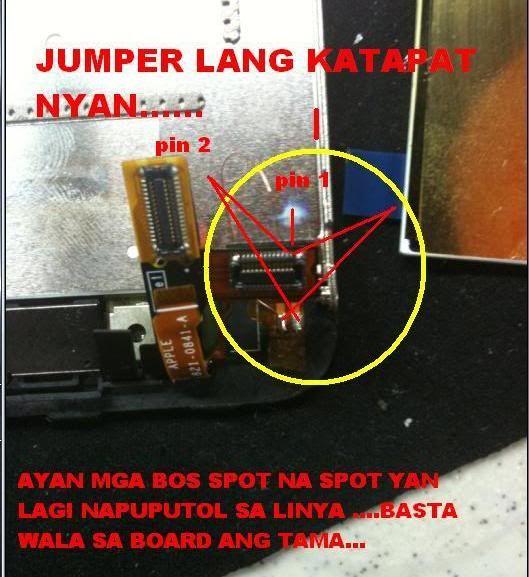
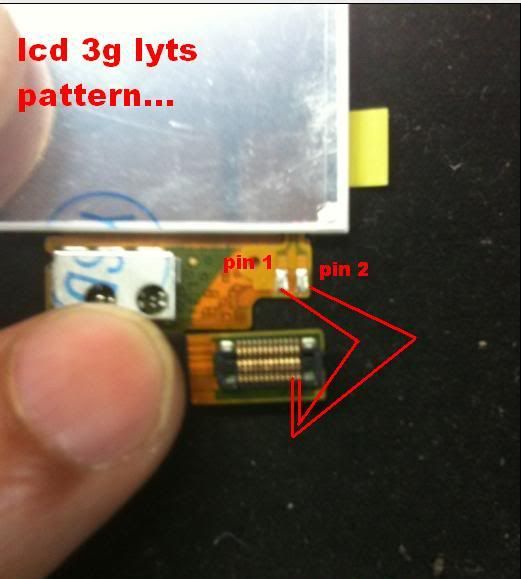
iphone 3gs no light and power switch not working done!

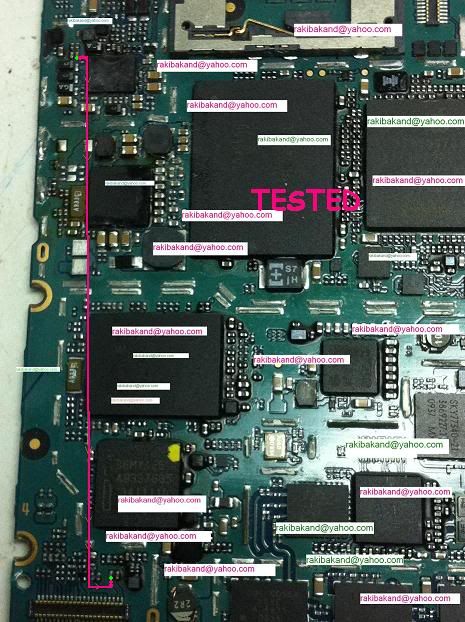
iphone 3gs no light at power button switch not function.

light solution
1.

2.


3.
power switch solution:


4.

Iphone 3gs sucessfully restored 5.1.1 step by step.

Iphone 3gs sucessfully restored 5.1.1 step by step.

Step 1:Extract redsn0w_win_0.9.15b3.zip file.
Step 2:Run as administrator redsn0w_win_0.9.15b3.exe.
Step 3ress “Extras”

Step 4:Now you have to choose the “Even more”
i
Step 5:Now you have to choose the “Restore”

Step 6:Now connect your iphone 3gs with system.
step 7:Tap on IPSW and select the iOS iPhone2,1_5.1.1_9B206_Restore
IPSW form your computer.

Step 8:Click “Yes”

Step 9:Put Your device into DFU mode
(or use the Steps below)

Hold down power button and home button both at the same time for
10 seconds
After the 10 seconds release the power button and still pressing on the
home button for another 10 seconds.


Step 10:wait for restore iphone sucessfully...

Step 11:Now click back for jailbrake you have to choose the “Select IPSW”&
choose iOS iPhone2,1_5.1.1_9B206_Restore IPSW form your system.

Step 12:Select “ok”&“Yes”&click “jailbreake”& install “Cydia”& click next for
wait done.

Step 13:upadte “Cydia” & install “Ultrasnow” file.Wait for Signal 1 min & go
enjoy “Sorry for my bad language”.
Step 14:If u like my post do the click “THANKS”.

Unlock 3G & 3GS BASEBAND 06.15.00 WITHOUT WIFI...(GUIDE)

HI GUYS FOLLOW THIS INSTRUCTION....

1. download iphone folder from here

a:http://iphonefolders.com/1.0.32/iPhoneFolders.msi

b: unlock without WIFI.zip

2. now go through explorer and create a folder named ""AutoInstall"" in your iphone..

"iPhone\private\var\root\Media\Cydia\

and put these 2 files in your "AutoInstall"

3. now restart 2 times....

done.....

Iphone 3gs sucessfully restored 5.1.1 step by step.

Iphone 3gs sucessfully restored 5.1.1 step by step.

Step 1:Extract redsn0w_win_0.9.15b3.zip file.
Step 2:Run as administrator redsn0w_win_0.9.15b3.exe.
Step 3ress “Extras”

Step 4:Now you have to choose the “Even more”
i
Step 5:Now you have to choose the “Restore”

Step 6:Now connect your iphone 3gs with system.
step 7:Tap on IPSW and select the iOS iPhone2,1_5.1.1_9B206_Restore
IPSW form your computer.

Step 8:Click “Yes”

Step 9:Put Your device into DFU mode
(or use the Steps below)

Hold down power button and home button both at the same time for
10 seconds
After the 10 seconds release the power button and still pressing on the
home button for another 10 seconds.


Step 10:wait for restore iphone sucessfully...

Step 11:Now click back for jailbrake you have to choose the “Select IPSW”&
choose iOS iPhone2,1_5.1.1_9B206_Restore IPSW form your system.

Step 12:Select “ok”&“Yes”&click “jailbreake”& install “Cydia”& click next for
wait done.

Step 13:upadte “Cydia” & install “Ultrasnow” file.Wait for Signal 1 min & go
enjoy “Sorry for my bad language”.
Step 14:If u like my post do the click “THANKS”.

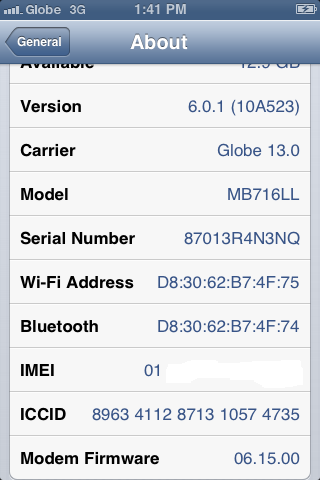
Solution for iOs 6.0.1 no service for iPhone 3GS old & new bootroom

jailbreak using redsnow_win_0.9.15b3
then select 6.0 ipsw
select install cydia & install ipad baseband
after jailbreaking just boot tethered
open cydia
add sources:http://repo666.ultrasnow.com then install
add sources:http://repo.iparelhos.com(ultrasnow fixer) then install

to fix no service problem:
just install ipad baseband again using redsnow_win_0.9.15b3
the just boot tethered


I Phone 3gs sucessfully restored 5.1.1 step by step

Iphone 3gs sucessfully restored 5.1.1 step by step.


Step 1:Extract redsn0w_win_0.9.15b3.zip file.
Step 2:Run as administrator redsn0w_win_0.9.15b3.exe.
Step 3ress “Extras”

Step 4:Now you have to choose the “Even more”
i
Step 5:Now you have to choose the “Restore”

Step 6:Now connect your iphone 3gs with system.
step 7:Tap on IPSW and select the iOS iPhone2,1_5.1.1_9B206_Restore
IPSW form your computer.

Step 8:Click “Yes”

Step 9:Put Your device into DFU mode
(or use the Steps below)

Hold down power button and home button both at the same time for
10 seconds
After the 10 seconds release the power button and still pressing on the
home button for another 10 seconds.


Step 10:wait for restore iphone sucessfully...

Step 11:Now click back for jailbrake you have to choose the “Select IPSW”&
choose iOS iPhone2,1_5.1.1_9B206_Restore IPSW form your system.

Step 12:Select “ok”&“Yes”&click “jailbreake”& install “Cydia”& click next for
wait done.


Step 13:upadte “Cydia” & install “Ultrasnow” file.Wait for Signal 1 min & go

iPhone 3GS Fake Charging & Restart


I have two here that are doing this.

Firstly, don't ask me to search. I have done and the only solution is to remove the two ics as seen in the pic, however I do not have those IC. My boards are different.


I have:

Changed battery
Changed Charging Flex
Checked the fuses
Related Posts Plugin for WordPress, Blogger...

All Gsm Solution Headline Animator

Blogger Tips and TricksLatest Tips And TricksBlogger Tricks

Please Log in