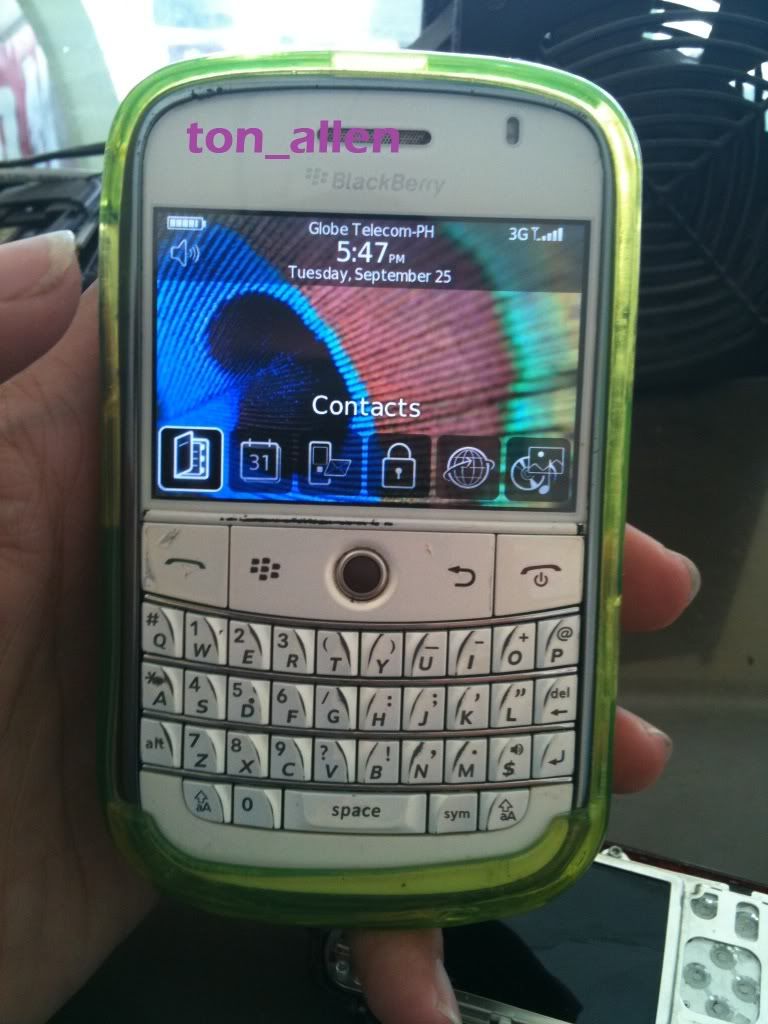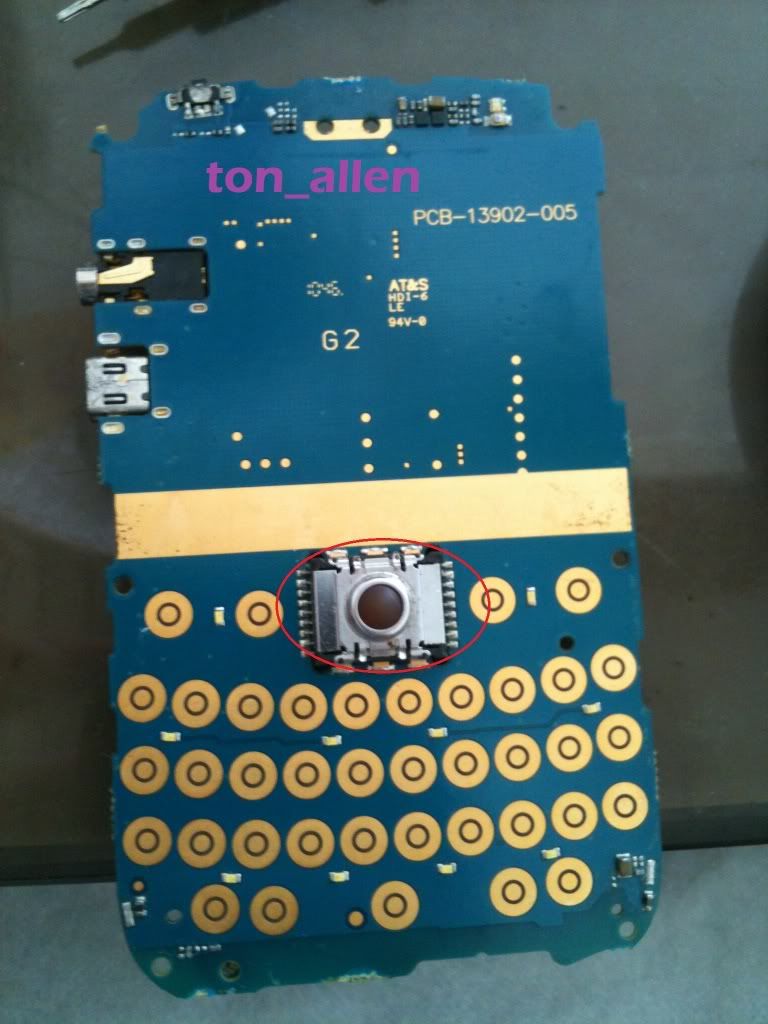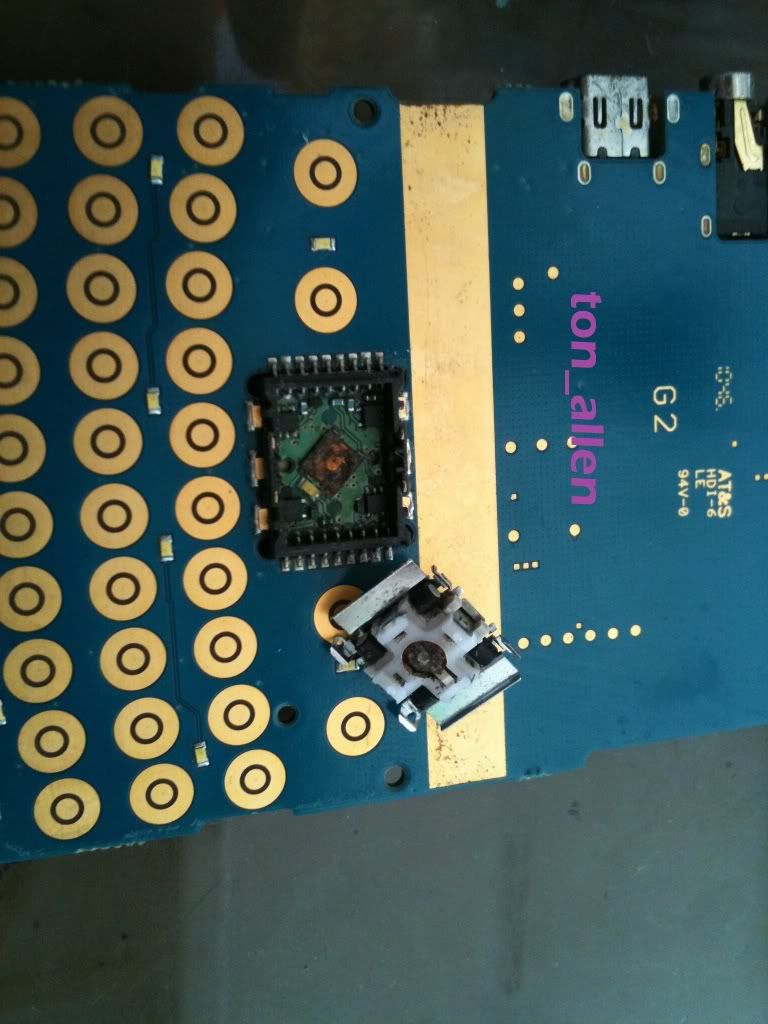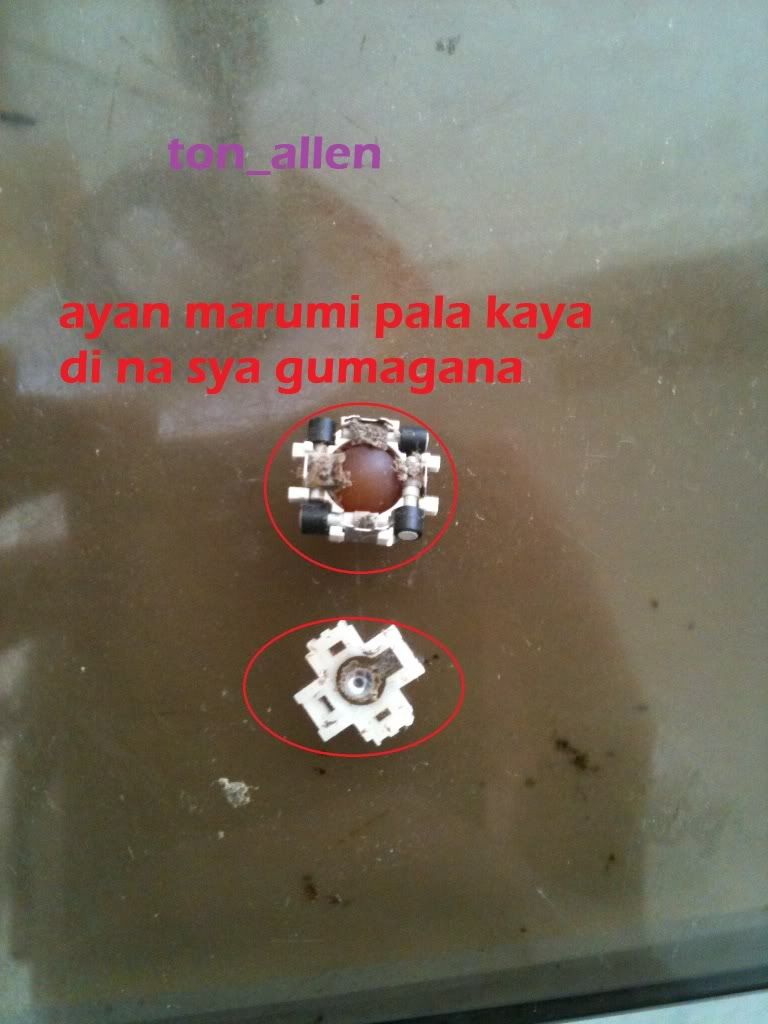
if your phone hadset mark problem follow steps.. try 1 by one.................
1. Go to the setting and select profile management there. Then select normal profile and with it in enhancement mode select the headset mode.
2. Now first open the mobile and change the handsfree jack and check problem.
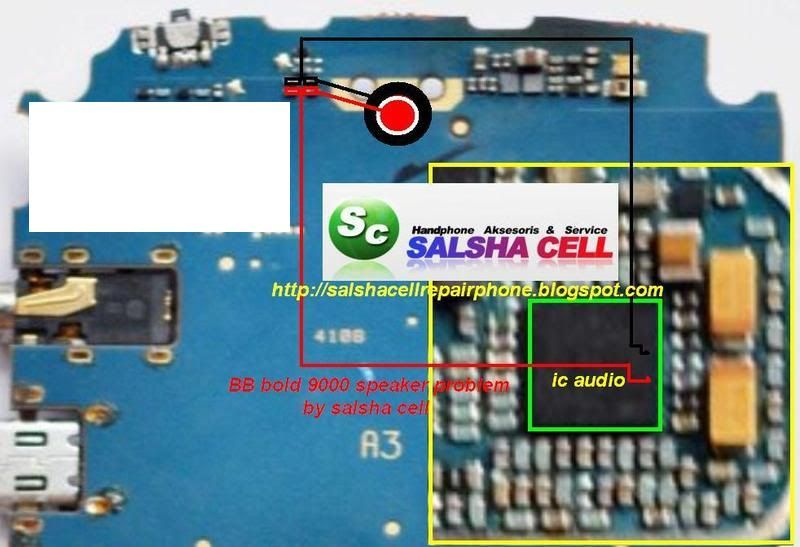
3. If the problem still remains after changing the handsfree jack, then we have to use the jumper for a sound IC.
4. First connect point 1 to the sound transistor as shown in the image below:
5. Then connect point 2 of the handsfree jack to the transistor as shown in the image.

6. Then connect the 3rd point to the other resistance as shown in the image:7. Now connect the 4th point to another resistance properly.
8. And after all that is done connect the final and last point for a blank connection.
9. Now check the problem and if there is still a problem then finally change the sound IC as shown in the image with the rectangle mark.
1. Go to the setting and select profile management there. Then select normal profile and with it in enhancement mode select the headset mode.
2. Now first open the mobile and change the handsfree jack and check problem.
3. If the problem still remains after changing the handsfree jack, then we have to use the jumper for a sound IC.
4. First connect point 1 to the sound transistor as shown in the image below:
5. Then connect point 2 of the handsfree jack to the transistor as shown in the image.
6. Then connect the 3rd point to the other resistance as shown in the image:7. Now connect the 4th point to another resistance properly.
8. And after all that is done connect the final and last point for a blank connection.
9. Now check the problem and if there is still a problem then finally change the sound IC as shown in the image with the rectangle mark.